As of October 14, 2025, Windows 10 computers will no longer be receiving security updates. That means you shouldn’t keep using your old computer, unless you add a new operating system that will keep getting security updates. You can do this easily and for free with something called Q4OS.
What is an Operating System?
Computers and phones all have operating systems, which are basically collections of software telling the computer how to work. Windows computers have operating systems like Windows 10 and Windows 11. Apple devices have operating systems like macOS and iOS.
Eventually, an operating system will become old and out-dated. When this happens, it no longer receives security upgrades. This makes your computer vulnerable to viruses.
You can replace the Windows 10 on your computer with a free operating system called Q4OS. It’s easy to install and will keep getting security updates for several more years.
What is Q4OS?
Q4OS is a Linux-based operating system. Linux operating systems are often free to download and Q4OS is no exception. Q4OS is fast and customizable.
Usually, when installing a new operating system, you would need to adjust some of your computer’s security settings and restart everything. Q4OS, on the other hand, can be installed onto Windows just like any other program. For this reason, it’s a good version of Linux for beginners.
You can download Q4OS and find installation instructions on the official website.
Tip: View a video tutorial of the installation process on YouTube.
How to Install New Apps on Q4OS
The apps on Q4OS may vary depending on which version you install and which options you selected during the installation process. Thankfully, it’s easy to add more programs by going to the App Center.
Go to the lower left corner of the screen. Click on the blue circle. A menu will open. Select the option that says “Install Applications Q4OS Software Centre.” From there you can easily add new programs.
Suggested apps to start:
- Firefox, a good modern web browser
- LibreOffice, which includes a writing program and other useful applications
- VLC Media Player, a helpful app for downloading and watching videos
How to Customize Appearance on Q4OS
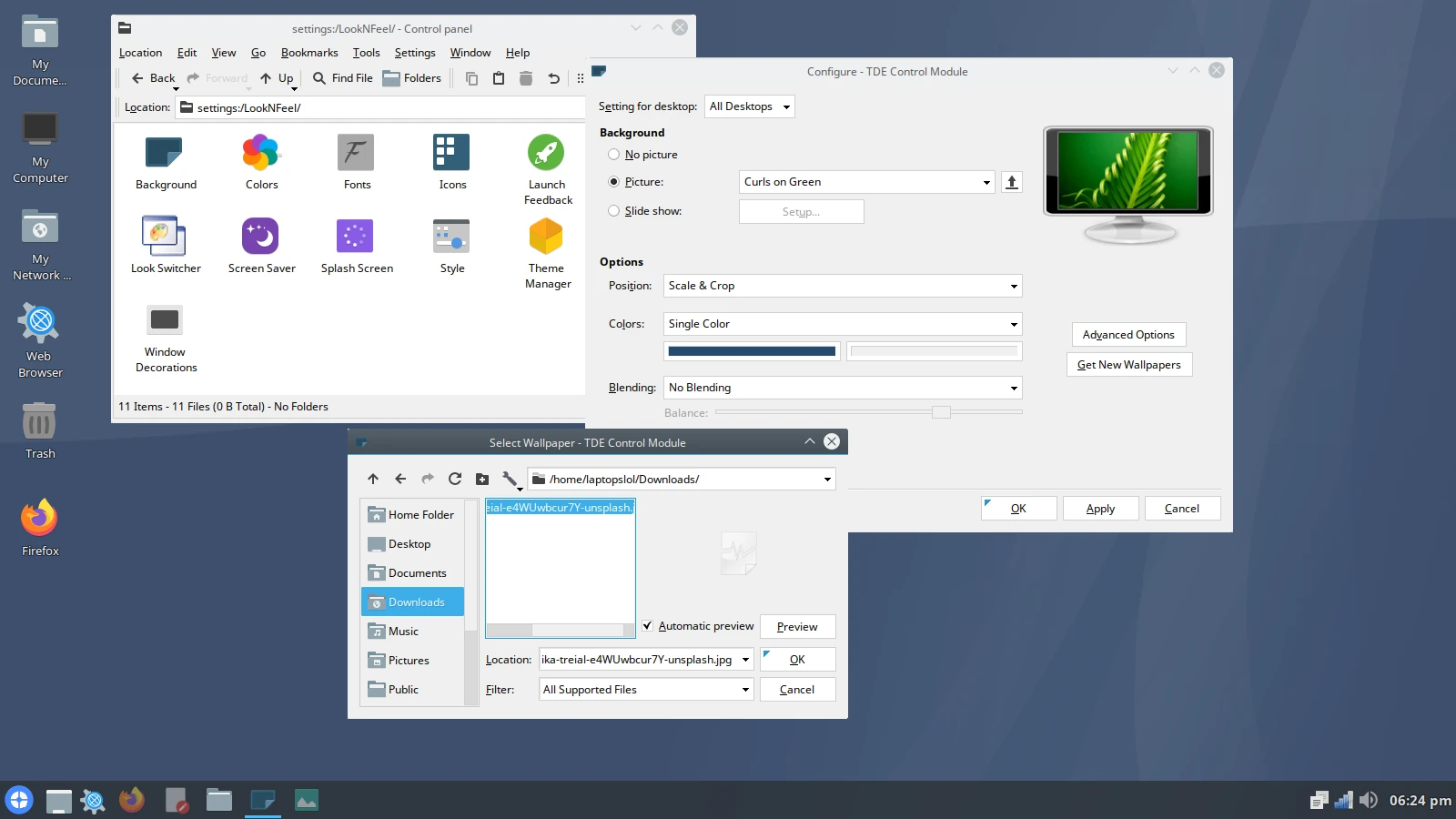
Now let’s customize how the computer looks. Go to the lower left corner of the screen and click on the blue circle again. This time, select “Control Panel.” Then click “Appearance and Themes.” Here you can change the wallpaper. There are a few pre-installed options, but you can also add other pictures.
Go online and download any image you like. It will automatically save to the downloads folder. To access this, click on the “My Documents” folder on the upper left corner of the screen. Then click “Up.” You will see many folders, including Downloads, Music, Pictures and Videos. Click on Downloads. Your picture will be there.
Now let’s open the Appearance and Themes page again. Click Background. See where it says Picture? There is a menu there. You can use this menu to select a pre-installed wallpaper. If you want to use your own picture, click on the up arrow to the right of the menu. Then click on the downloads folder and select your image inside it. Hit Okay and the small window will close. Then hit Apply and your wallpaper will be set.
How to Shut Down Computer in Q4OS
Click the blue circle in the lower left corner of the screen. A “Turn Off” option will appear.
Pros and Cons of Q4OS
Q4OS is great for older computers. It is faster than some other Linux operating systems like Ubuntu. Since the installation process is so simple, its a great option for someone transitioning from Windows to Linux. There is also an official help forum, so if you have any issues, you can ask people for advice.
That being said, there are cases where other versions of Linux may be better. Different versions of Linux are known as distributions or distros. Some are meant for general use, while others are designed for specific causes, like education.
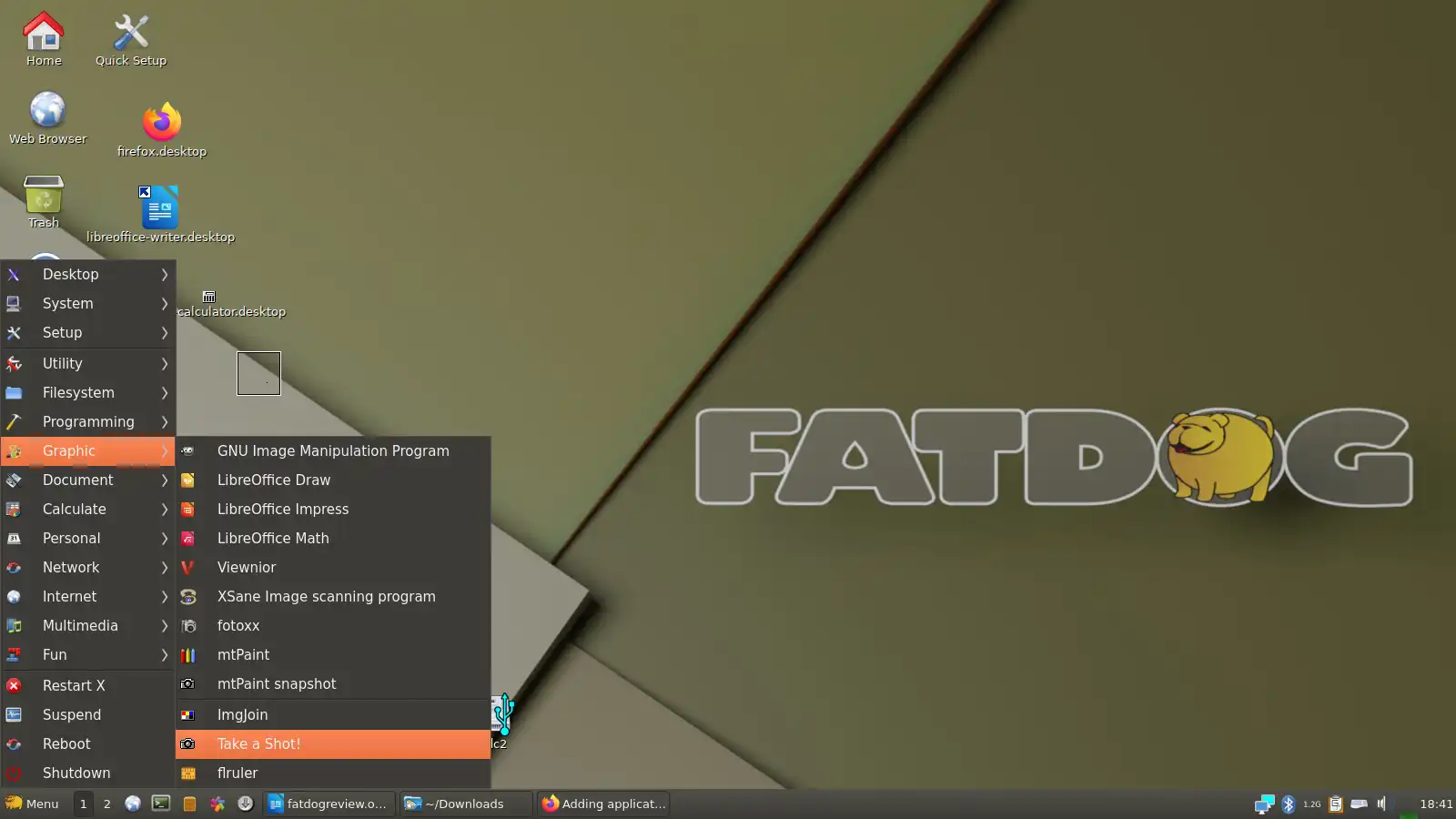
If your computer is very old without much memory space, consider using Fatdog64 or Linux Lite instead. Those distros are designed with old machines in mind, so they can make a big difference in performance.
Why Use Linux Instead of Windows?
Switching to Linux instead of buying a new Windows computer can help you save money. It’s also good for the environment because it reduces e-waste. Linux computers have a reputation for being private and secure. They are less vulnerable to viruses.
Tip: If you still don’t want to keep your old computer, read here to find out how to recycle it safely and securely.
Tip 2: Would you rather use a computer with Linux pre-installed? There are many people selling refurbished Linux laptops on eBay.